String lights
Ready for next Christmas
 HOME
HOMEA PLACE FOR WHAT YOU KEEP
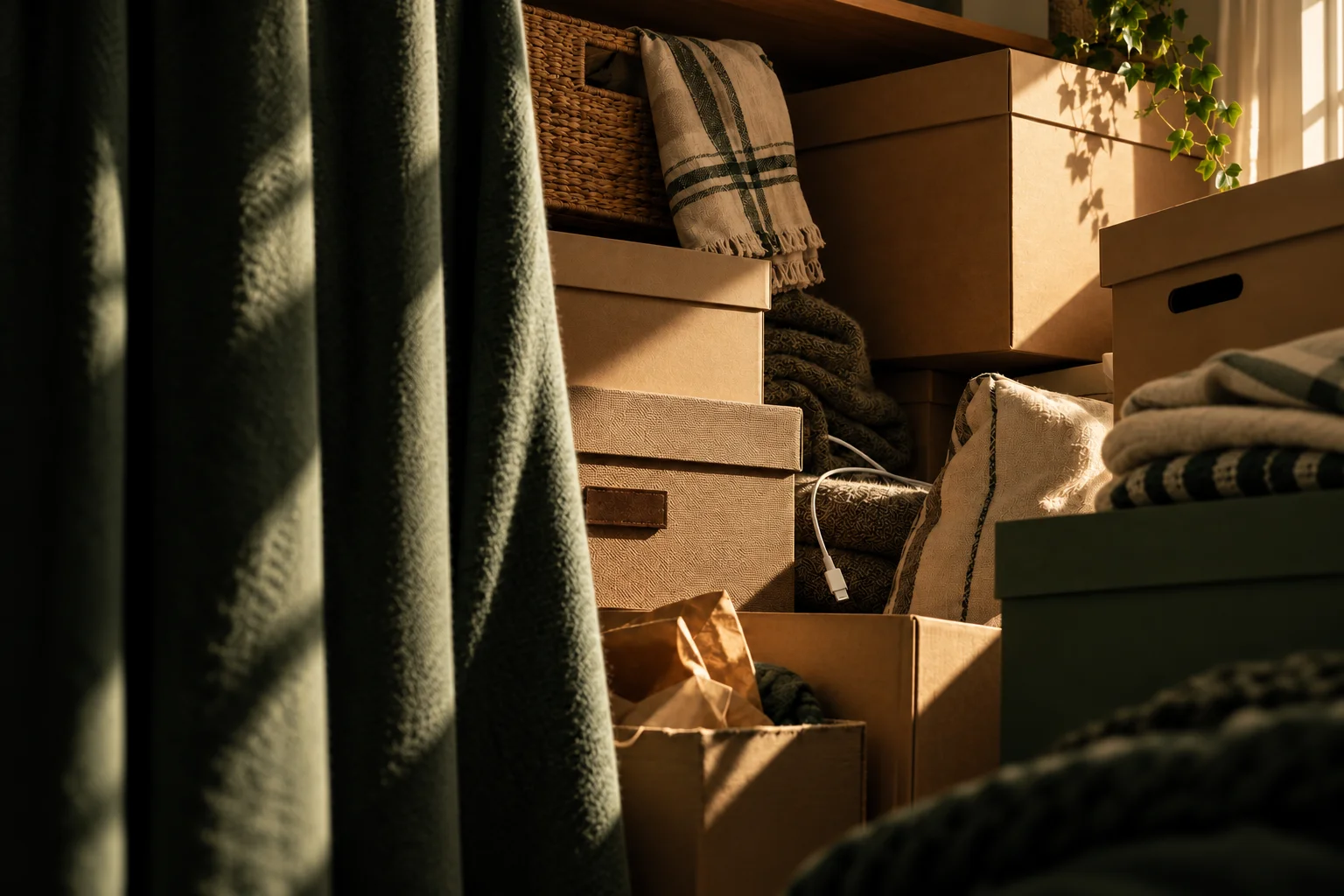
Christmas lights in the attic. Tools in the garage. That spare charger somewhere.
Gem Home helps you find them again.
Your inventory. Your iCloud. No separate Gem account.
TRY GEM HOME
Try it. Search for string lights, charger or sleeping bag and find where it is stored.
1 item found
Ready for next Christmas
Try “charger” or “sleeping bag” too.
Fictional example — your search stays on this page.
Find your things again
Scan your storage
Share with people you invite
FROM “SOMEWHERE” TO RIGHT HERE
You do not need to organise your whole home at once.
Start with the box whose contents you always forget.
Create locations such as the attic, basement and garage. Add boxes, cupboards and shelves that match how you store your things.
Give each item a name and a place. Add a photo, a note or a quantity. Your overview is ready when you need it.
Find an item with search, or attach a QR label to your storage. Scan it to see the contents in the app.
YOUR THINGS ARE YOURS
Your homes, items, photos and profile name are stored in your own iCloud with Apple. They are not sent to Gem Home servers.
Read about privacyYour own iCloudGem Home’s developer cannot read your private inventory.
Only people you inviteA shared home is accessible to its members.
No separate Gem accountUnlock the app with Face ID, Touch ID or your device passcode.
GOOD TO KNOW
Yes. Search for the item’s name — you do not need to remember which box it is in. If you have recorded it, Gem Home shows you where to look.
No. One box, cupboard or shelf is a good start. Add the rest whenever it suits you.
Yes. Invite others through iCloud, so you are not the only one who knows where things are. Members can find and update items even when you are not using the app. Changes sync through iCloud when devices are connected.
Yes — even the one at the bottom of the pile. Scan the box’s QR label with Gem Home or the iPhone camera to see the contents you have recorded.
Yes. Each home has its own items, storage and members. With Plus, you can choose a plan for several homes and keep track of what is where.
You and the members you invite. Your inventory is stored in your iCloud and is not shared with Gem Home. We help you find your things without being able to see them ourselves.
Yes. Start with one home, 30 items and 10 photos. If you need more, Plus covers 1, 2 or 3 homes, with up to 2,000 items and one photo per item in each covered home. Apple shows the price and billing period before purchase.
No. No new account or extra password to remember. Gem Home uses your existing iCloud account; simply choose a name that other members of your homes can see.
Anyone can scan the code, but only members of the home can see the contents. The code points the way; it does not grant access.
Not yet. Gem Home is initially available for iPhone and requires iCloud. Other platforms may follow later.
YOUR NEXT LITTLE MOMENT OF CLARITY
Gem Home is coming soon to iPhone.
The download link will be available when the app is released.